
Changelog

Follow new updates and improvements to Everspring.

Set your prices and see your margin, right from the import list
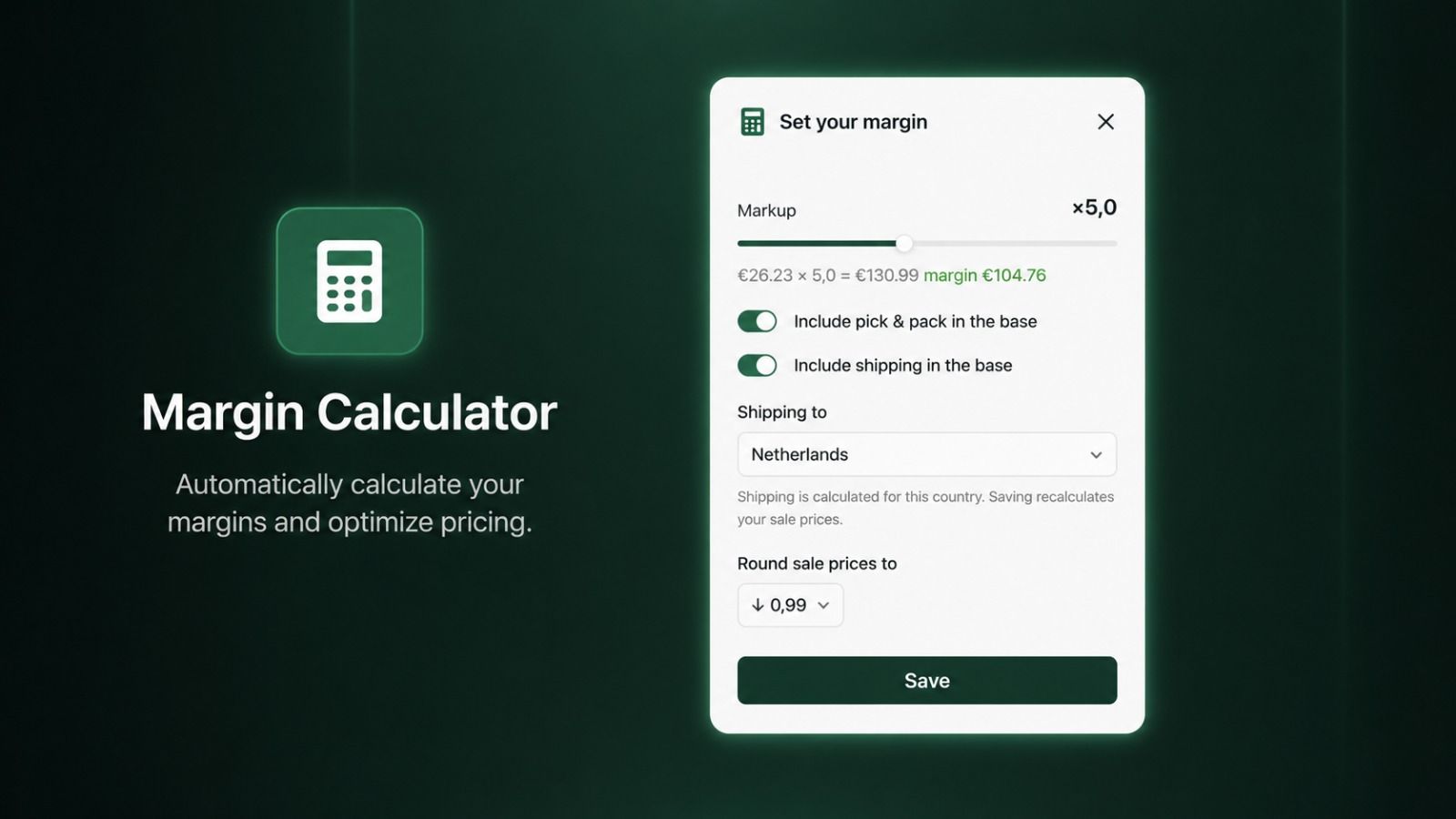
You can now set your selling prices and check your margin without leaving your import list — no more spreadsheets on the side.

Open your import list, click Edit, and choose four things:

  • Markup — one multiplier (1.0×–10.0×) applied across every product. 2.0× doubles the cost base; it’s your main margin lever.

  • Include pick & pack — folds the supplier’s packing fee into the base, so your markup covers it instead of it eating your margin.

  • Include shipping — folds in carrier cost too. Turn it on and pick a country, since shipping differs per destination.

  • Rounding — land prices neatly on .99/.45, or keep the raw number.

Save, and every product gets a calculated sale price and a margin column measured against your real cost. A negative margin turns red, so you never price at a loss by accident. Need one product to stand out? Override its markup — or set a fixed price — per product, or in bulk for a whole selection.

The golden rule: mark up your cost price, not just the base price. Leave pick & pack and shipping out and the margin looks healthy on screen but disappoints at month-end.

👉 Full walkthrough, worked example, and how VAT fits in: Calculate your margins from the import list
Escalate a stuck claim and open a dispute

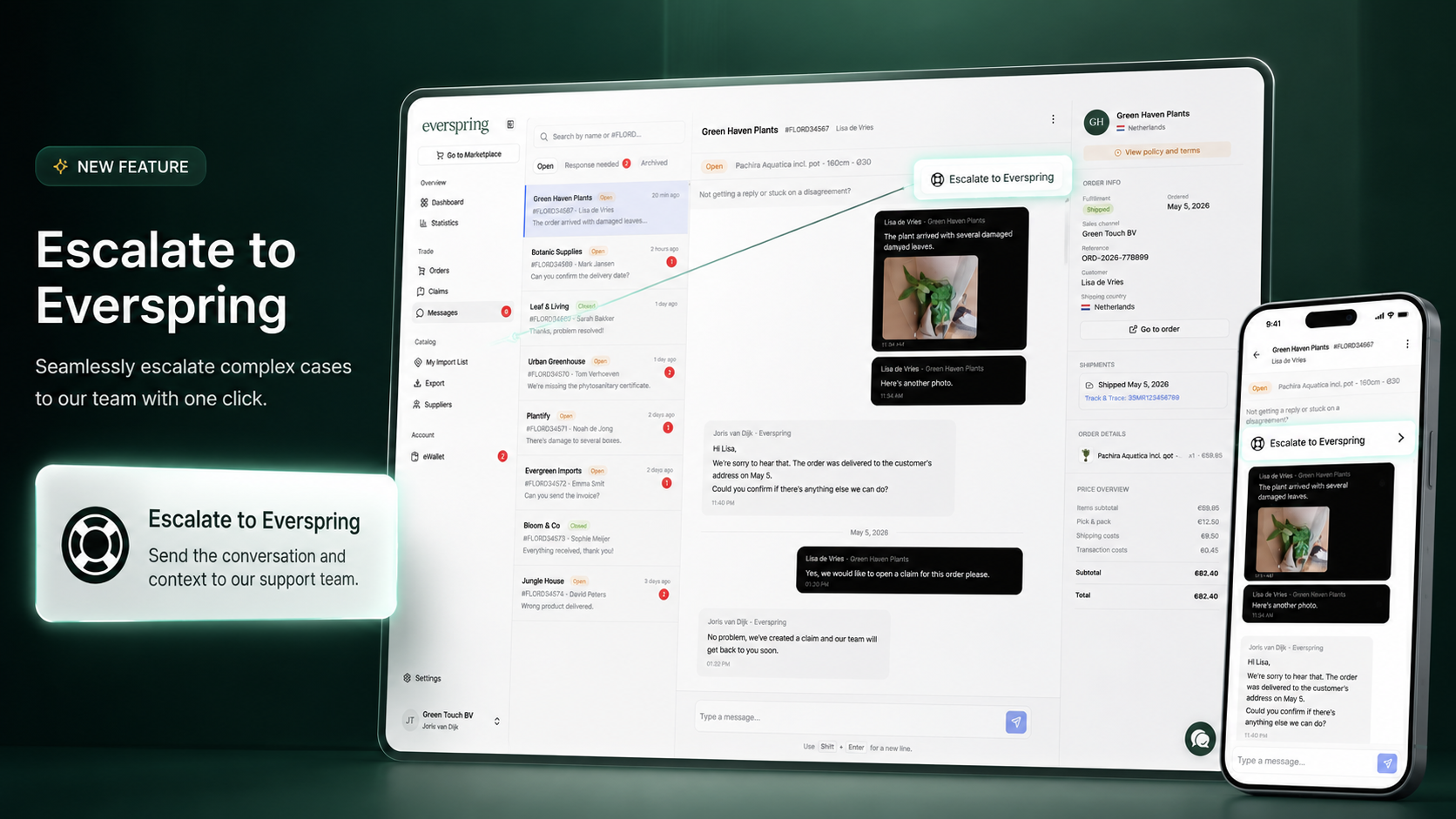
Sometimes a claim conversation gets stuck. The proposed resolution doesn’t feel fair, a refund is being held up, the other side stopped replying, or you can’t agree on what actually happened. You can now open a dispute directly from the chat and ask Everspring mediation to step in.

Whether you’re the reseller filing the claim or the supplier responding to it, the dispute lands in the same place: an Everspring mediator picks it up, contacts the other party, and pushes for a fair outcome under our claim policy and the supplier’s own supplementary terms.

Everspring mediates, we don’t overrule. The supplier still owns the final decision on the claim. Our role is to make sure both sides are heard, the rules are applied honestly, and the conversation keeps moving.

How it works:

  1. Open the claim or order conversation in the messenger.

  2. Click Escalate to Everspring at the top of the chat.

  3. Walk through a short three-step dialog: when escalation applies, what Everspring does, and your preferred outcome (resellers) or reason (suppliers).

  4. Submit. The conversation flips to Everspring is mediating this claim and a support ticket opens on our side.

Before you escalate, check the supplier’s own terms first. Many disagreements come down to a supplementary rule (packaging, evidence windows, product-specific care) that resolves the question without mediation.

Full guide: Resolving a supplier dispute.

Add-on Products Improvements

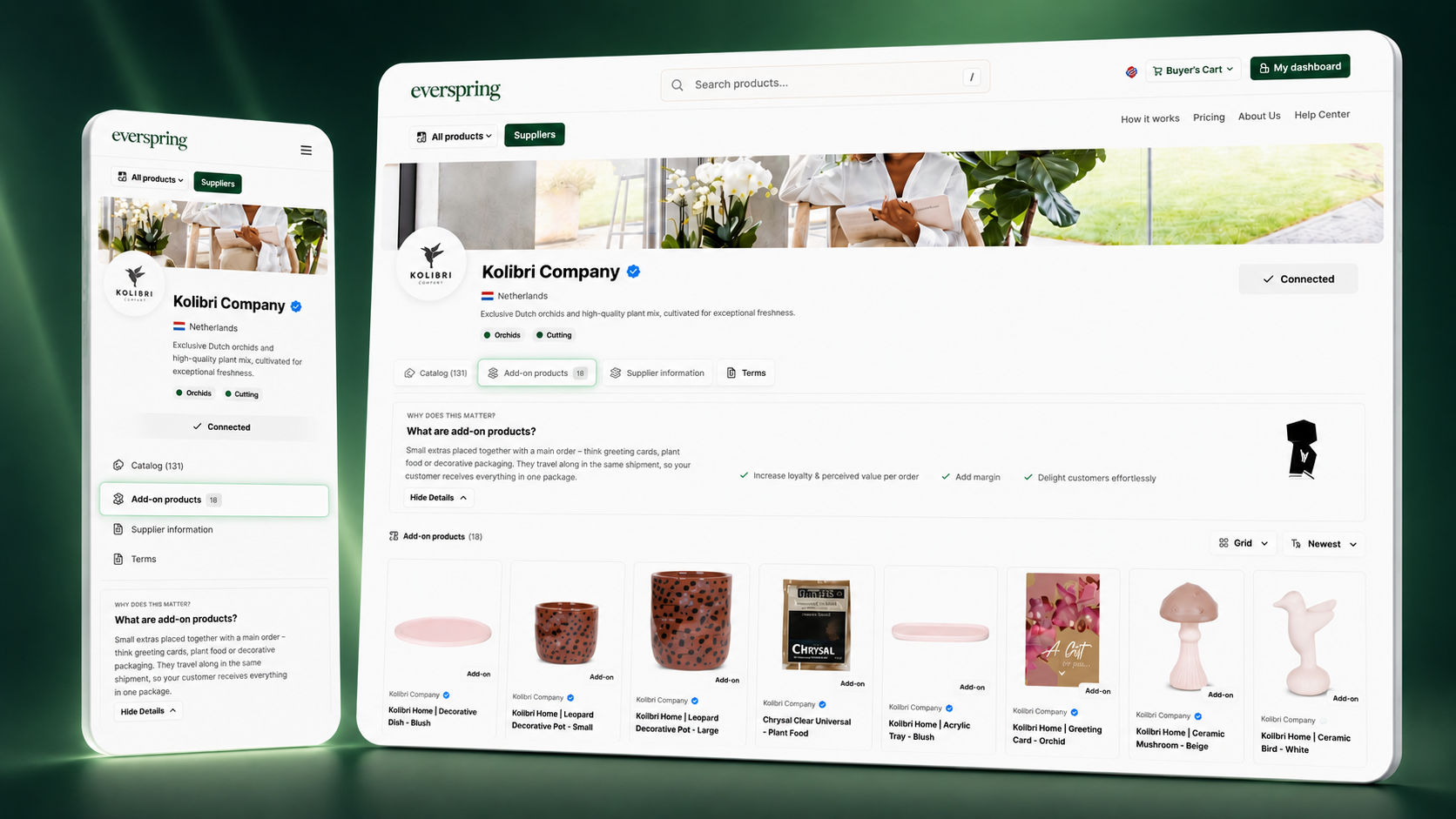
We have improved visibility and functionality on the supplier pages to make key features more accessible:

  • Highlighted Add-ons: Add-on products are now prominently displayed at the top of each supplier page, allowing for easy discovery and selection.

  • Enhanced Accessibility: These improvements ensure that finding and adding add-ons is now simpler and more efficient.

Shipping Charge Adjustment

Enhancements to our shipping policy have been implemented:

  • Free Shipping for Add-ons: Add-on products now come with no additional shipping costs, resulting in better margins for your business.

How to Access these New Features

No action is required on your part. This update is included in your current subscription and is live on your Storefront. Simply visit the supplier pages to see these exciting changes!

Earlier updates